

We organize company documents
Document management with Nextcloud or ownCloud, on private servers
We gather documents scattered across computers or organize a file server that has grown without a consistent structure. Then we bring them together in an open-source document management system that can be extended and connected to the rest of the company's systems.
Signs that a company's documents need to be organized
Organizing files early makes digitalizing and automating a company's processes much faster.
Without a centralized system
There is no shared server: each person decides where to store their documents.
- On each person's computer. If the computer breaks down or the person leaves the company, the documents are lost.
- In email. Contracts, quotes, or invoices that only exist as attachments in a mailbox.
- In personal accounts. Folders in Google Drive or Dropbox, and documents that have only been shared over WhatsApp.
- On several computers at once. Copies of the same document, each with different changes.
With a disorganized file server
The server exists, but it has grown for years without common rules.
- Each area with its own logic. Each department created its own folder structure, and none resembles the others.
- Several final versions. "report_v2", "report_final", and "report_final_good" coexist, and it is not clear which one is current.
- Documents found only by asking. Finding one means asking the person who has been at the company the longest.
- Unreviewed permissions. Access rights inherited from an old migration and left open ever since.
Before installing new tools, it is worth assessing the existing disorder
Document collection and inventory
Collecting scattered documents
If there is no centralized system, we collect the documents from each computer, from the mailboxes, and from personal accounts, and gather them in a single place before organizing them.
Volume by area and by format
Sometimes the focus of the project changes: if images and videos take up more space than all the documents combined, it is better to manage them separately, with a digital asset management system.
Where the disorder lies
Folder depth, branches duplicated across areas, and structures abandoned before they were finished. The inventory shows which part needs work and which is well organized.
Duplicates and versions, detected with AI
Identical files are found by comparing their digital fingerprint, with no margin of error. AI detects what that comparison misses, such as the same document under another name, in Word and in PDF, or with small changes, and suggests which is the current version. It runs on a private server, without the documents leaving the company.
The actual map of permissions
Who can see each folder, checked against the roles each person should have. This reveals the access left open after an old migration.
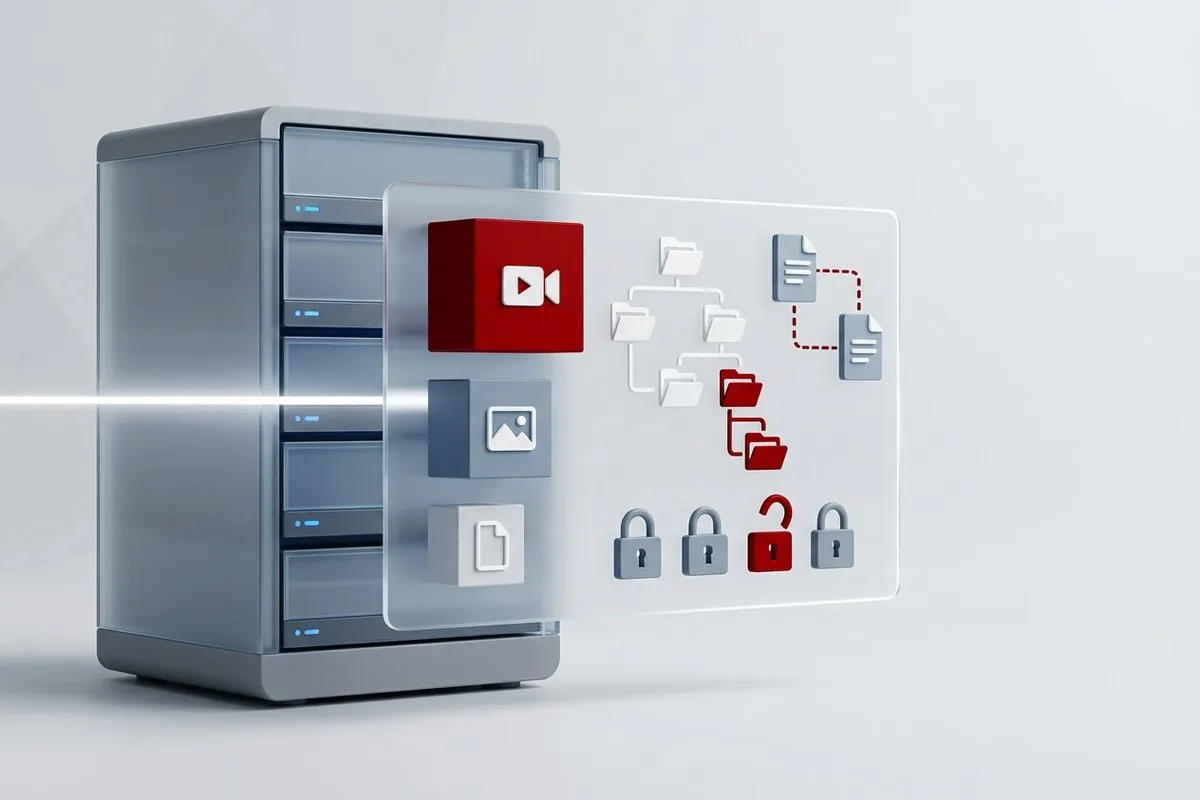
What is organized after the inventory
We define consistent folder structures and controls that keep things in order. Application data, such as customers, products, or orders, is organized through data governance.
Structure and naming
A single folder logic for the whole organization and a naming convention that shows the project, area, date, and status without having to open the file.
Version control
A system that shows which version is current and keeps the change history, without copies under different names.
Permissions by role
Access is assigned by role and by area, not person by person, and the access left open after old migrations is closed.
Search by content
Indexing the content, not just the file name, so that finding a document does not depend on remembering where it was saved.
Archiving and expiry
What happens when a document is no longer current: where it is archived, how long it is kept, and who decides.
Automatic checks
Scheduled processes that check the structure and flag duplicates and expired documents, to keep things in order without manual reviews.
Nextcloud vs ownCloud: which document management system suits each organization
Two open-source platforms. Both are installed on private servers, under the company's control, and both allow all documents to be exported with their folder structure, using the desktop client or WebDAV: if the platform is ever changed, all the information is recovered without depending on the vendor.
Nextcloud
In addition to files, it includes calendar, email, tasks, chat, and video calls, plus in-browser document editing with Nextcloud Office or OnlyOffice. For when several tools need to be replaced at once, not just the shared folder.
ownCloud Infinite Scale
For when the main goal is document management, with documents organized in workspaces.
Custom features and integrations for Nextcloud or ownCloud
Because they are open source, both platforms support custom development and communicate with other applications through their APIs. Besides implementing the document management system, we adapt it to the company's processes.
Custom development
Features the platform does not include, such as forms, approval workflows, or screens for a specific department. We build them through custom development on the document management system itself.
Connection with the ERP, the CRM, and other applications
For example, when a quote is approved in the ERP, the project folder is created with the permissions of the assigned team, or the record of each customer in the CRM links to their documentation.
Process automation
Documents filed according to rules, such as invoices that arrive by email and are saved in their folder, or contracts that trigger a reminder before they expire. This is handled with process automation.
AI applied to documents
Search by meaning, already implemented in a real case, and, once the rules are in place, automatic classification: AI reads each document when it is uploaded and suggests where to file it. This is AI inside an existing application.
Searching documents by their content, not by file name
By name, by word, or by meaning
Searching by file name requires remembering what the file was called. Searching by content requires hitting on the exact word. A question in natural language finds the document even if it uses different words.
How search by meaning works
Documents are split into fragments, and each fragment is converted into a representation of its meaning and stored in a vector database. When a question is asked, the system returns the fragments closest in meaning, not in wording.
Real case: a nonprofit with ownCloud
We have implemented it at a nonprofit organization with ownCloud Infinite Scale: the documentation is organized in spaces (projects, human resources, grants) and the AI runs on a server belonging to the organization itself, as private AI, so neither the documents nor the questions leave the organization. Each uploaded document is indexed automatically in its space, and each answer indicates the document it comes from.
Search that respects permissions
Users, spaces, and permissions are managed in one place, the document management system, and a service we have developed replicates them in the assistant as soon as they change. Each person can only query their own spaces. That is why the permissions work comes first: if they are poorly defined, intelligent search exposes the error faster.
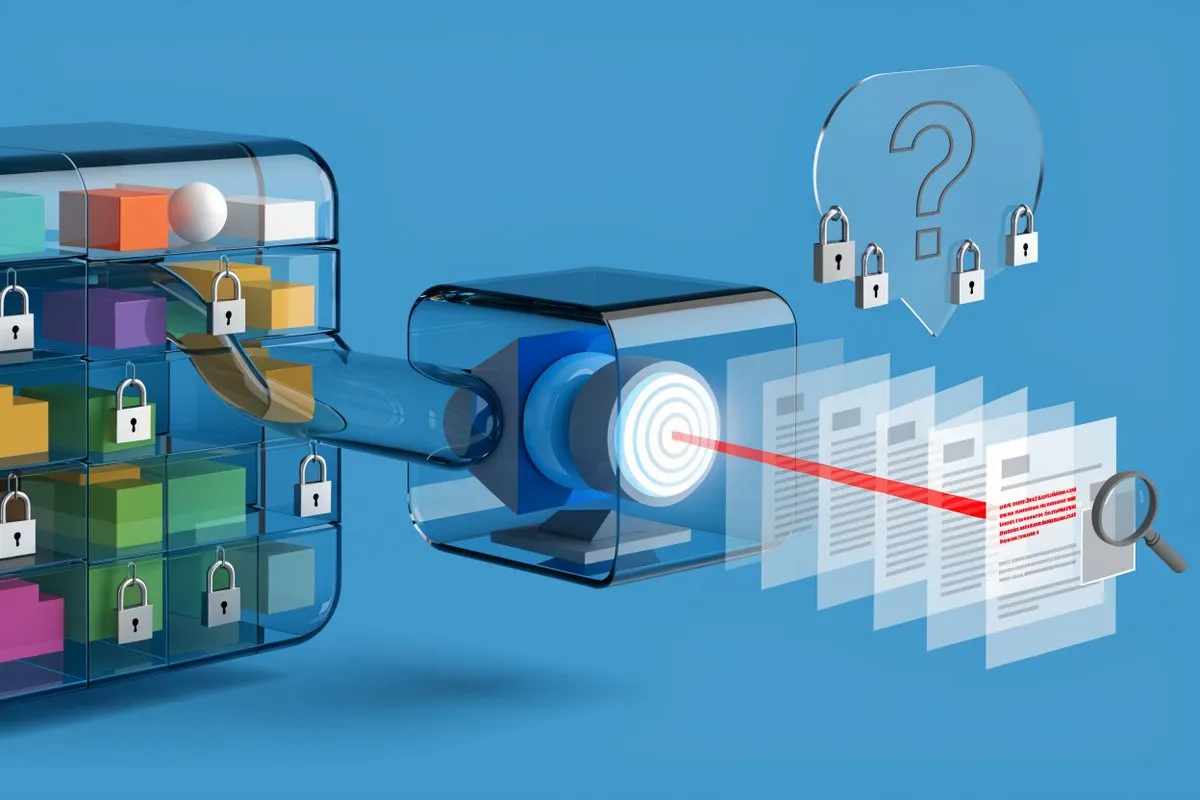
What if the main problem is product data and media files?
Image and video management with the Pimcore DAM
Product images, videos, and graphic assets are not managed well in a document management system: they need their own metadata, different formats for each channel, and control of usage rights. For them, we recommend the digital asset management (DAM) module of Pimcore, a platform we implement and extend with custom development. Its community edition is free.
Metadata and search
Each image or video with its product, campaign, author, and usage rights, and search by any of these fields.
Automatically generated formats
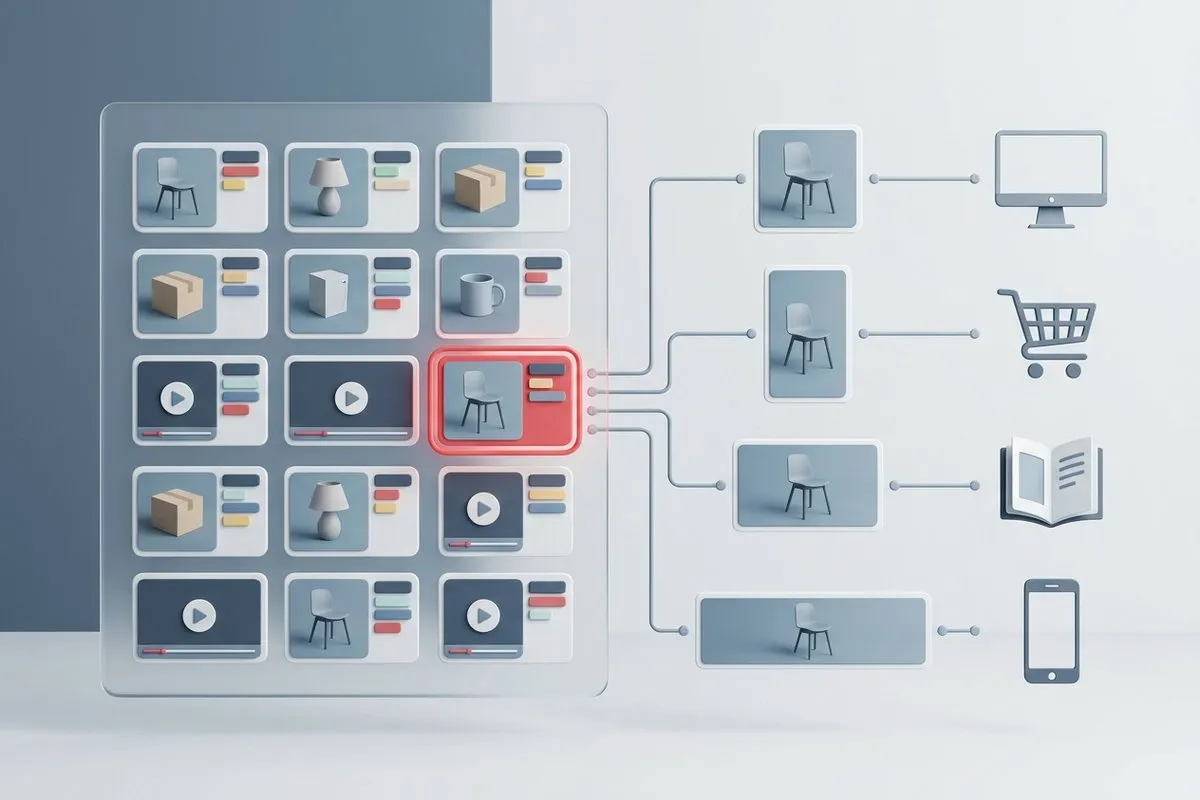
From a single original, Pimcore generates the sizes and formats for each channel: the website, the online store, the printed catalog, or social media.
Linked to product data
If the catalog is also managed in Pimcore, each product has its images attached, and the data and images are distributed together to each channel.
When it makes sense
When there are many media assets linked to products, catalogs, or campaigns. If there are only a few videos, the document management system is enough.
How a document management system is implemented, in four steps
Collection and inventory
If the documents are scattered, they are first gathered in a single place. Then comes the inventory: what they contain, how much space they take up, what duplicates there are, and what permissions they have. As a guideline, one week per area, although it depends on each company, above all on the number of people and computers.
Defining the rules
Structure, naming, minimum metadata, and what happens when a document is no longer current. The organization decides; we make proposals and point out the rules that are hard to follow.
A trial in a single area
The rules are applied in one area, what fails is identified, and it is corrected. If the whole company is reorganized at once, the same error is repeated in every area before it is detected.
Tool and automations
If needed, Nextcloud or ownCloud is implemented and the already organized information is migrated. In every case, scheduled checks are configured to keep things in order with as few manual reviews as possible.
Frequently asked questions about document management
Is it necessary to implement a document management system?
What if we already use SharePoint or Google Drive?
How long does it take to organize the documents?
How much does it cost to organize the documents and implement the document management system?
How much does Nextcloud or ownCloud cost?
Where are the documents stored?
Are we tied to you or to the tool?
What if the team does not follow the folder and naming rules?
How long does it take your team to find a document?
The first step is to gather the documents and take the inventory. With that data, it is possible to determine whether the problem is one of organization, permissions, or tools, and how much it costs to solve each one.