

Since 2012, we have been developing apps for companies, startups and institutions.
Custom Mobile App Development
A single codebase for iOS and Android: hybrid apps for phones and tablets, published on the App Store and Google Play and integrated with AI.
Hybrid apps for iOS and Android
What is a custom mobile app?
A custom mobile app is an application that is installed on a phone or tablet and built for a specific project. It is one of the forms of custom software.
At Gilsys, in addition to the app, we develop the API that connects it to the company's data and, when needed, the web application to manage it, with a single codebase for iOS and Android.
App or web application
When does it make sense to develop a mobile app?
A responsive web application covers most management tools. There are cases, however, where you need an app installed on the device:
Intensive use of hardware
Gyroscope, accelerometer, magnetometer or advanced camera features, such as augmented reality.
Connection with other devices
Pairing and communicating continuously via Bluetooth (BLE) or NFC with wearables, beacons, home automation or industrial machinery.
Integration with the system
Access to contacts, calls, haptic feedback or home screen widgets.
Background processes
Keeping working while the phone is locked or another app is in use, as in continuous GPS tracking or critical alarms.
System push notifications
Integrated into the phone's notification center and delivered by Apple and Google services.
Presence in the stores
Being on the App Store and Google Play makes it easier for users to find and install the app.
Mobile app or web application
Hardware
Mobile app (iOS and Android): Native access to Bluetooth, NFC, Face ID, gyroscope and vibration.
Web application: Limited by the browser’s security restrictions.
Offline
Mobile app (iOS and Android): Works without internet and syncs data in the background.
Web application: Basic: only if it has been prepared as a PWA.
Push notifications
Mobile app (iOS and Android): Integrated into the system.
Web application: They depend on the browser; on iPhone, only if installed as a PWA.
Performance
Mobile app (iOS and Android): Uses the phone’s graphics and processing power.
Web application: Good, but dependent on the browser engine.
Presence
Mobile app (iOS and Android): Icon on the home screen, installed from the store.
Web application: Icon only if the user installs the PWA.
| Capability | Mobile app (iOS and Android) | Web application |
|---|---|---|
| Hardware | Native access to Bluetooth, NFC, Face ID, gyroscope and vibration. | Limited by the browser’s security restrictions. |
| Offline | Works without internet and syncs data in the background. | Basic: only if it has been prepared as a PWA. |
| Push notifications | Integrated into the system. | They depend on the browser; on iPhone, only if installed as a PWA. |
| Performance | Uses the phone’s graphics and processing power. | Good, but dependent on the browser engine. |
| Presence | Icon on the home screen, installed from the store. | Icon only if the user installs the PWA. |
App, API and web application
Apps connected to an API and managed from a web application
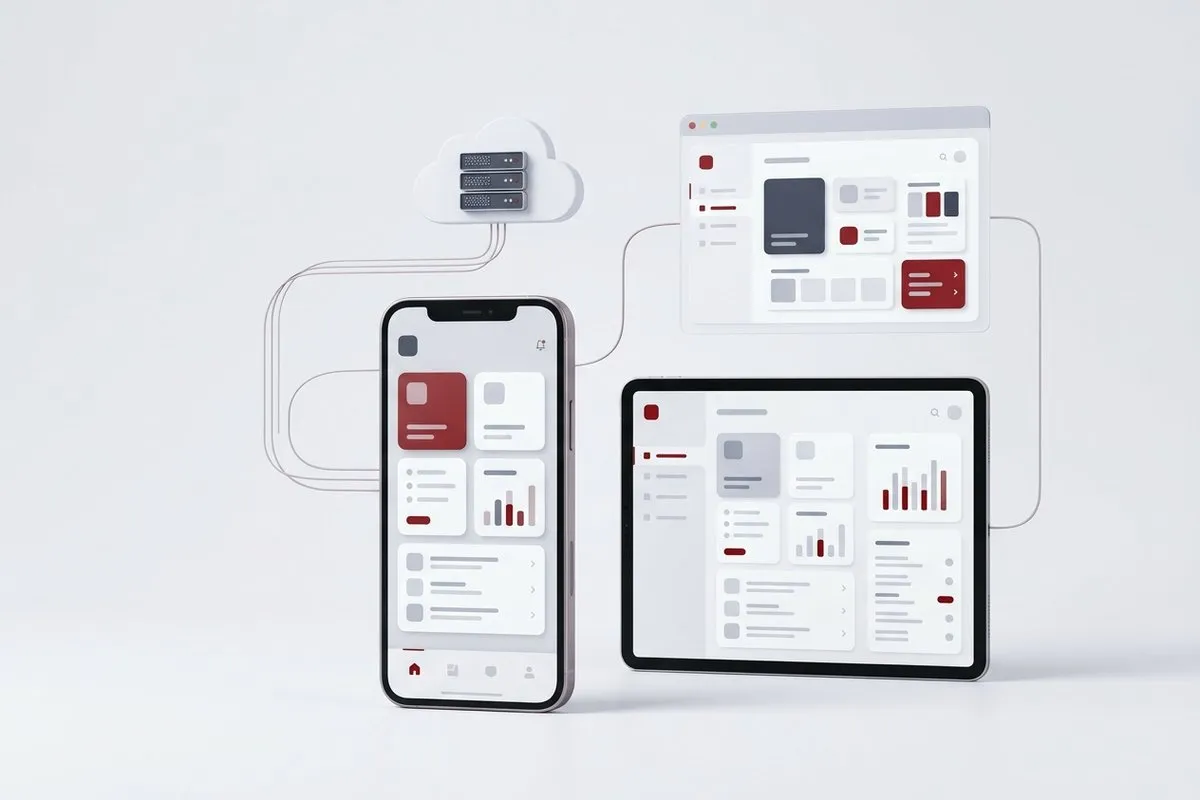
In many cases, an app needs to communicate with a central API that provides cloud functions, and even with a web application from which to manage the content it displays.
Centralized management
Configuration of options, user administration and data supervision from a private web environment.
Content without releasing a new version
Content is changed from the web application and appears in the app without publishing a new version in the stores.
Synchronized data
The app and the web work with the same data through the API, always consistent and up to date.
Notifications and tracking
Notifications are sent and app usage statistics are consulted from the web application.
For example, in one of the medical training apps, trainers have a private panel from which they unlock content "worlds", and users access them from the app to continue their training. Notifications and progress tracking are managed from the same web application.
Success story
Click2Move: an app against sedentary behavior in remote work
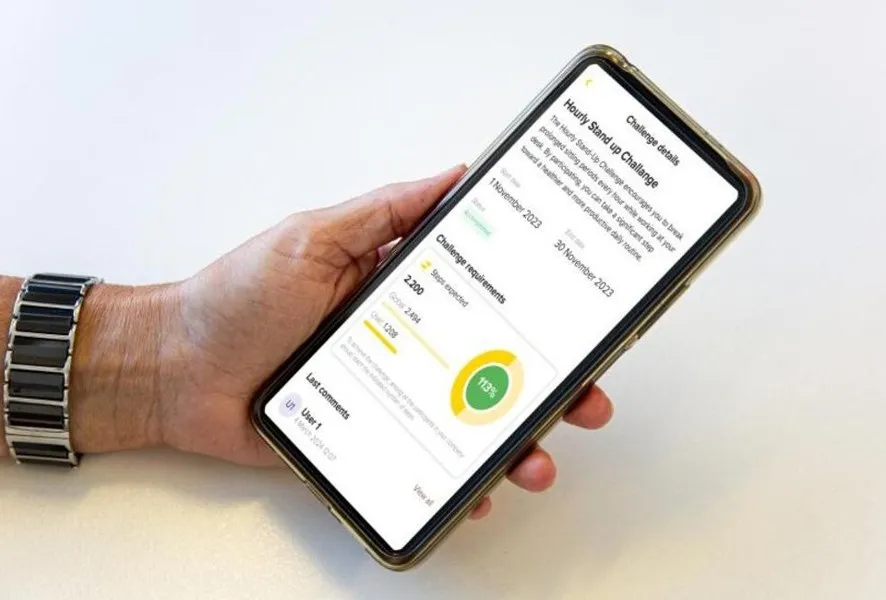
Click2Move is a European research project, led by UVic-UCC and funded by the European Commission (Erasmus+ Sport program), created to reduce sedentary behavior associated with remote work. We developed the app, a hybrid app built with React Native and connected to an activity wristband, and the web application used to manage it. The initiative is being tested with more than 170 employees at companies in the Netherlands, Spain, Ireland and Slovenia, to evaluate its impact on health and productivity. The study protocol is published in BMC Public Health.
Step tracking
The app receives data from an activity wristband adapted to the project.
Inactivity alerts
When users have gone too long without moving, the app reminds them.
Individual and group challenges
Activities and exercises are proposed from a central web application to achieve challenges and improve health.
Since our first app, in 2012
Examples of custom mobile apps
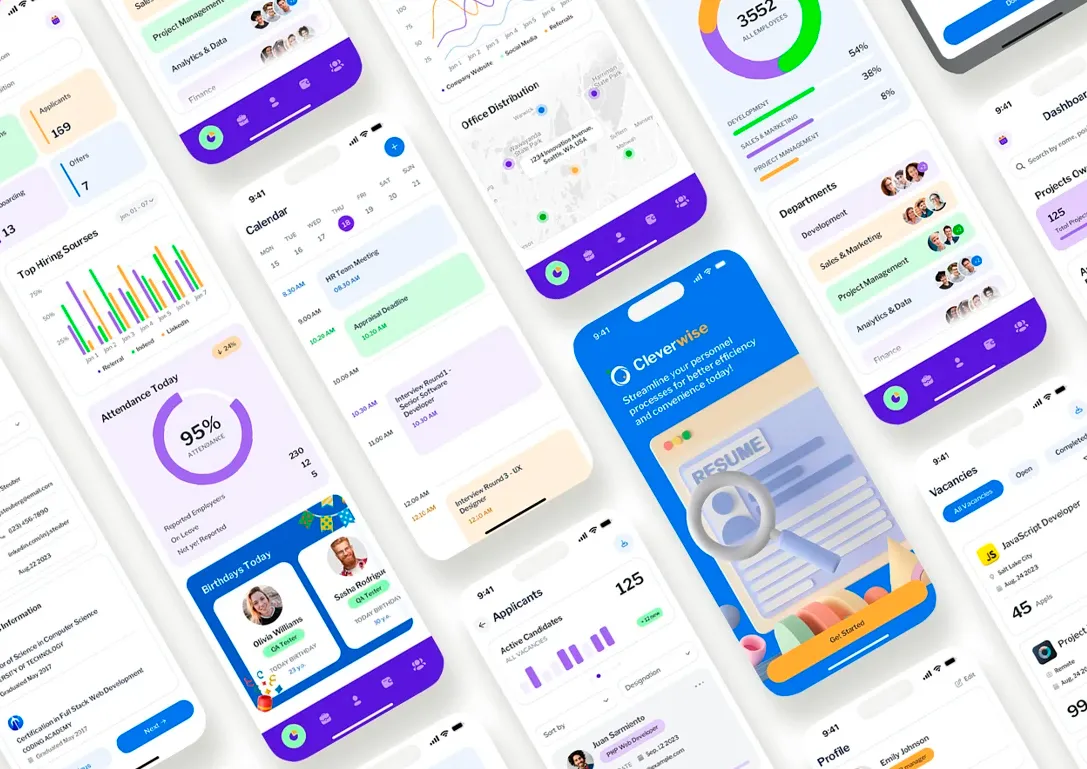
Other notable apps we have developed, without client names for confidentiality.
Medical training
Training management apps, with content that trainers unlock from a web panel and progress tracking for each user.
Dating startup
An app to connect with the contacts users already had on their phone, with the concept of a match before it became widespread: when there was a match, a notification was generated.
Business data management
Applications for managing data of service-sector companies from a mobile phone.
Clinical atlas for healthcare professionals
An atlas of more than 100 images of real clinical cases, designed by healthcare professionals, classified by condition and with private access, which helps obtain differential diagnoses during consultations. It allows searching by affected area, by diagnosis or by image, and consulting cross-references between cases.
Technology
Two ways to develop a hybrid app
Both make it possible to publish the same app on iOS and Android from a single codebase. The choice depends on whether a web version is also needed and on the device features the app requires.
Wrapped web app (Angular or React, with Cordova)
A web application is built with Angular or React and wrapped with Cordova to be installed as an app. The same code serves the web version and the app, and through plugins it accesses basic device features, such as the camera, GPS or push notifications. We recommend it when the project needs both a version accessible from the browser and an installable app. The medical training apps follow a similar approach: an in-house framework based on HTML and a JavaScript engine, connected to our own remote API built in PHP with Slim Framework.
Native hybrid app (React Native, with Expo)
It is built with React Native and Expo, which generate a native app for iOS and Android from a single codebase. It has full access to device features, such as Bluetooth or biometrics, and performance close to that of a native app. We recommend it when the app needs advanced device features, or when you do not need a web version or the web version has different requirements.
Comparison of the two options
Technology
Wrapped web app: Angular or React, with Cordova.
Native hybrid app: React Native, with Expo.
Web version
Wrapped web app: Yes, with the same code.
Native hybrid app: No: the code is for mobile only.
Device features
Wrapped web app: Basic, through plugins: camera, GPS or notifications.
Native hybrid app: Full: Bluetooth, biometrics and sensors.
Performance
Wrapped web app: Adequate, with less fluidity.
Native hybrid app: Close to that of a native app.
Cost
Wrapped web app: Lower if both the web version and the app are needed.
Native hybrid app: Higher if a web version is also needed.
One of our examples
Wrapped web app: The medical training apps (with an in-house framework).
Native hybrid app: Click2Move.
| Aspect | Wrapped web app | Native hybrid app |
|---|---|---|
| Technology | Angular or React, with Cordova. | React Native, with Expo. |
| Web version | Yes, with the same code. | No: the code is for mobile only. |
| Device features | Basic, through plugins: camera, GPS or notifications. | Full: Bluetooth, biometrics and sensors. |
| Performance | Adequate, with less fluidity. | Close to that of a native app. |
| Cost | Lower if both the web version and the app are needed. | Higher if a web version is also needed. |
| One of our examples | The medical training apps (with an in-house framework). | Click2Move. |
From idea to development
How a custom app project is defined
The most common approach is to split the project into phases and start with an MVP, to keep the investment under control and avoid developing what is not needed yet. Before programming each phase, the following are defined:
Screens and navigation flows
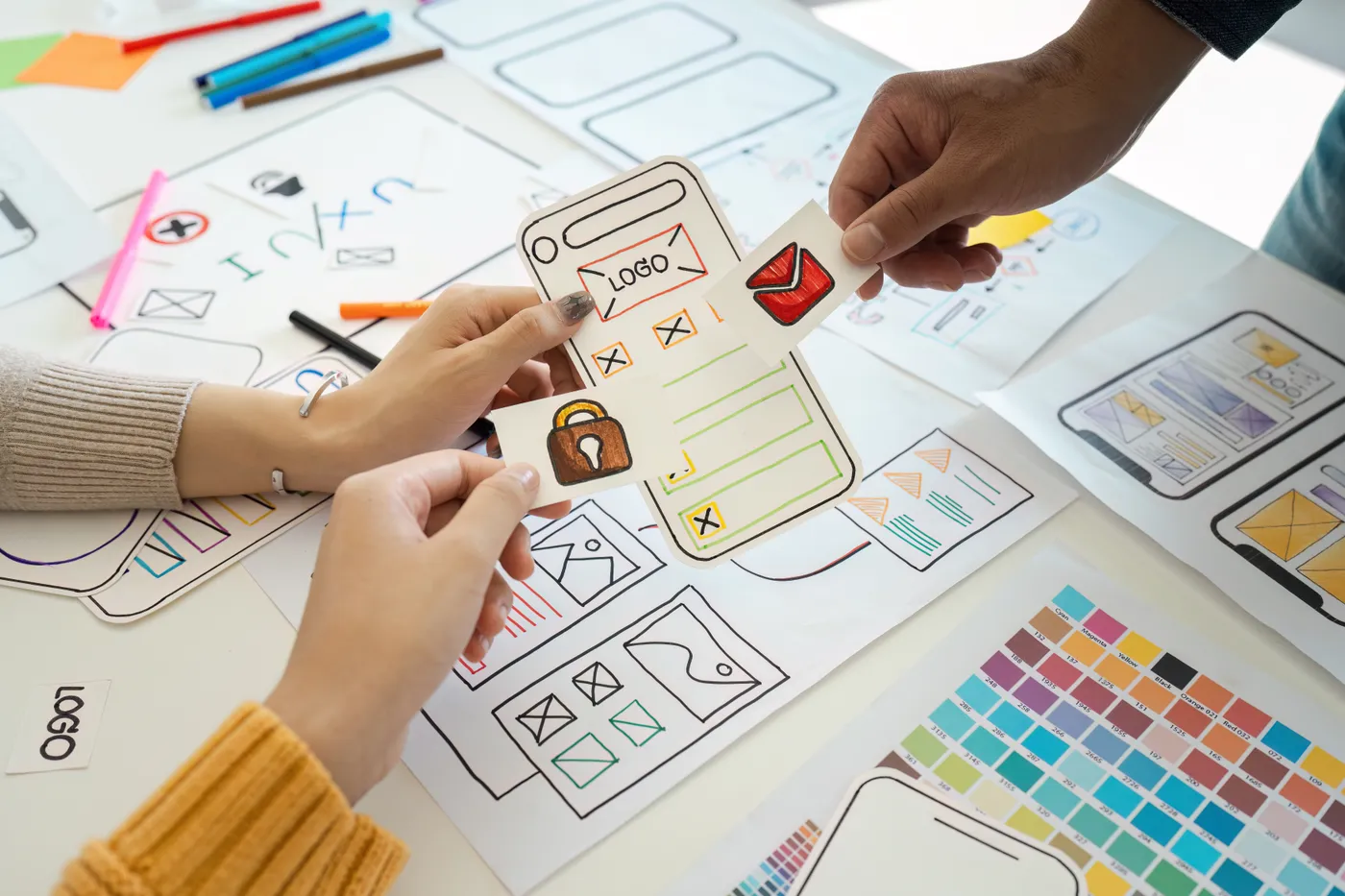
Screens are designed in Figma or with mockups, together with the navigation flows, to validate the user experience before programming it.
Offline operation
Which parts of the app must work offline and how data is synchronized when the connection returns. In Click2Move, for example, the app keeps recording the user’s steps even when there is no connection.
Access, roles and privileges
The access system (login) and what each user profile can see and do, reviewing the flows and privileges of each one.
Own or third-party APIs
Which data comes from an in-house API and which third-party services need to be connected, such as an ERP or a payment gateway.
Generative AI
Whether it makes sense at some point to integrate generative AI, and for what.
Infrastructure and publication
Where the API and the web application will be hosted, and how app versions will be published on the App Store and Google Play.
Why trust Gilsys to develop your mobile apps?
Developing apps since 2012
We launched our first app in 2012. With AI, more and more people and companies will be able to create an app without programming knowledge and, in many cases, without understanding the code that is generated; many of them did not exist when we were already developing apps. That technical foundation is what makes it possible to detect errors and maintain the app over time.
AI, under control
We use AI to strengthen our development work, and we integrate it into apps when the project requires it, but with caution regarding vibe coding: it requires a knowledge base and cannot be used without control.
Security, an essential requirement
When the app is a SaaS or handles private data, security is not optional, and without solid knowledge it is not possible to detect the errors that compromise it. This is how we protect personal data.
The code belongs to the client
The source code and the intellectual property of the app belong to the client, with no licenses or technology dependencies tying them to us. We only retain the use of generic, library-type components that are not part of the core of the project.
Maintenance and evolution
Corrective and evolutionary maintenance, to adapt the app to new versions of iOS and Android and to the new needs of the project.
Frequently asked questions about mobile app development
Who publishes the app on the App Store and Google Play?
Do you develop native apps in Swift or Kotlin?
Can we turn our web application into an app?
How much does it cost to develop an app?

Which app does your company need?
We will analyze whether a native hybrid app, a wrapped web app or a web application is the best fit, and prepare a tailored quote.