

Automate your company with AI agents
AI agents for business: development and integration
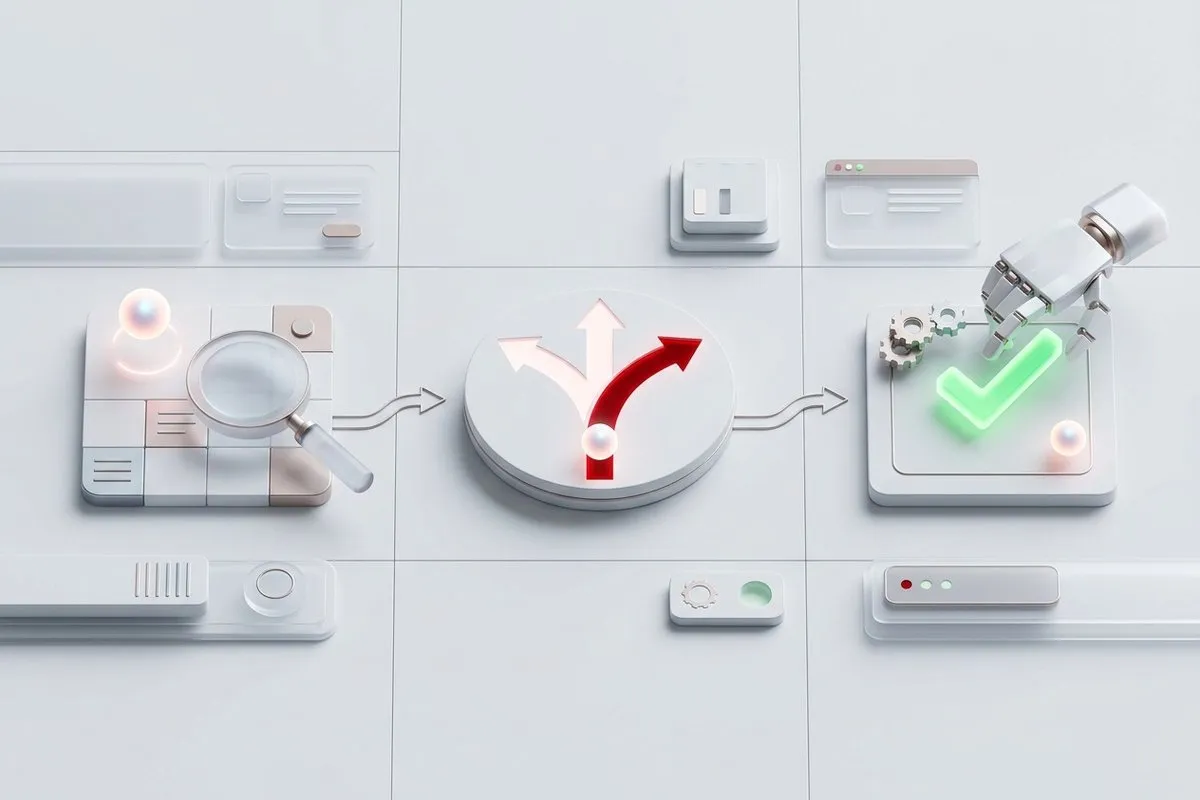
An agent looks up the information it needs, decides the next step, and carries out the action, with the tools and permissions assigned to it.
What is an AI agent?
An AI agent is a program that works with a user account and a set of permissions, like any other member of the team: it checks the ERP or the CRM, decides what needs to be done, and does it. What sets it apart from a chatbot is the last part: it does not just answer, it acts.
An example: a customer complaint comes in. The agent looks up the customer's orders, sees that one shipped late, opens a ticket in the customer service software, and prepares the reply email for someone to review and send.
Looks up
The data it needs, in the system where it is stored: a customer in the CRM, an order in the ERP, a price list, a document, or a previous ticket.
Decides
The next step, following the instructions it has been given: which department a request goes to, whether documentation is missing, or whether a person needs to see the case.
Executes
The operation, with the tools it is authorized to use: creating a ticket, updating a record, moving a file, generating a document, or preparing an email.
AI agent, automation, and chatbot: what each one does
All three tools are useful, but for different problems. A classic workflow (n8n, Make, or Zapier) handles "if A happens, do B" very well, when every possible case can be written as a condition. An agent is useful when the intermediate steps are not defined in advance or the information arrives unstructured and has to be interpreted before deciding. In many projects the most efficient approach is to combine the two: the AI interprets and decides, and automation reliably executes what is already fully defined.
Main goal
AI agent: Handle an entire process
Classic automation: Run a predefined workflow
Chatbot: Answer questions
How it decides
AI agent: Reasons based on the information in each case
Classic automation: Fixed rules: "if A happens, do B"
Chatbot: Generates an answer
Process steps
AI agent: Can vary with each run
Classic automation: Defined in advance, always the same
Chatbot: Does not execute steps
Unstructured information
AI agent: Interprets it and turns it into data
Classic automation: Needs data that is already structured
Chatbot: Looks it up
Takes actions
AI agent: Yes, with the authorized tools
Classic automation: Yes, the ones that have been programmed
Chatbot: Usually not
Exceptions
AI agent: Can handle them or pass them to a person
Classic automation: Each case has to be programmed
Chatbot: Not applicable
When to use it
AI agent: Processes that require interpreting and deciding
Classic automation: Stable, well-defined processes
Chatbot: Looking up documentation and information
| AI agent | Classic automation | Chatbot | |
|---|---|---|---|
| Main goal | Handle an entire process | Run a predefined workflow | Answer questions |
| How it decides | Reasons based on the information in each case | Fixed rules: "if A happens, do B" | Generates an answer |
| Process steps | Can vary with each run | Defined in advance, always the same | Does not execute steps |
| Unstructured information | Interprets it and turns it into data | Needs data that is already structured | Looks it up |
| Takes actions | Yes, with the authorized tools | Yes, the ones that have been programmed | Usually not |
| Exceptions | Can handle them or pass them to a person | Each case has to be programmed | Not applicable |
| When to use it | Processes that require interpreting and deciding | Stable, well-defined processes | Looking up documentation and information |
What tools an AI agent works with
Tools are what allow it to act
An agent can only do what it has tools for. They are provided through APIs, web services, databases, webhooks, message queues, or custom software: the same system integration work we do between business applications.
A model capable of using tools
The agent needs a model that can call tools, a capability known as tool calling. Commercial models such as ChatGPT, Gemini, and Claude have it, and so do several open-source models that can be installed on private servers.
Agent teams for long processes
When a process is long, instead of one agent that does everything, we develop several that share the work and pass the result on to each other, with frameworks such as CrewAI or in-house development. Since each agent has its own role, it can be reused in other processes: one for internal queries, another for writing, another for in-depth research, another for programming or designing mockups. And with CrewAI they can cross-check the result with each other.
A team of agents, each with its own role and permissions
One agent gathers the information and assesses its relevance. Depending on the result, an automation is triggered so that another agent processes it, and a final agent, different in each workflow, writes a summary in the right tone for its recipient. Each one accesses only the systems it needs for its task.

AI agent example: monitoring industry news and spotting opportunities
Several agents that work autonomously every day and divide the task according to what they find.
One agent reviews the sources
Every day it searches the internet for news that affects the company's industry: a new regulation, a move by a competitor, a new technology.
The agent decides whether it is relevant
If it finds something relevant, for example a new technology such as Jev, an AI model that decides instead of writing, it notifies another agent to analyze how it could be applied in the company. If there is nothing relevant, it sends no notification.
Another agent analyzes and writes the report
Starting from the news, it reviews the documentation of the company's projects and prepares a report on how that technology could be applied: advantages, drawbacks, and estimated time.
A person decides
Management receives the report and decides whether to adopt the improvement. The decision is still theirs; what has been automated is the initial study.
If the news is regulatory, the path changes
If the first agent detects a regulatory change, it does not send the news to the technology agent but to another one with access to the company's legal documentation, which prepares the corresponding report.
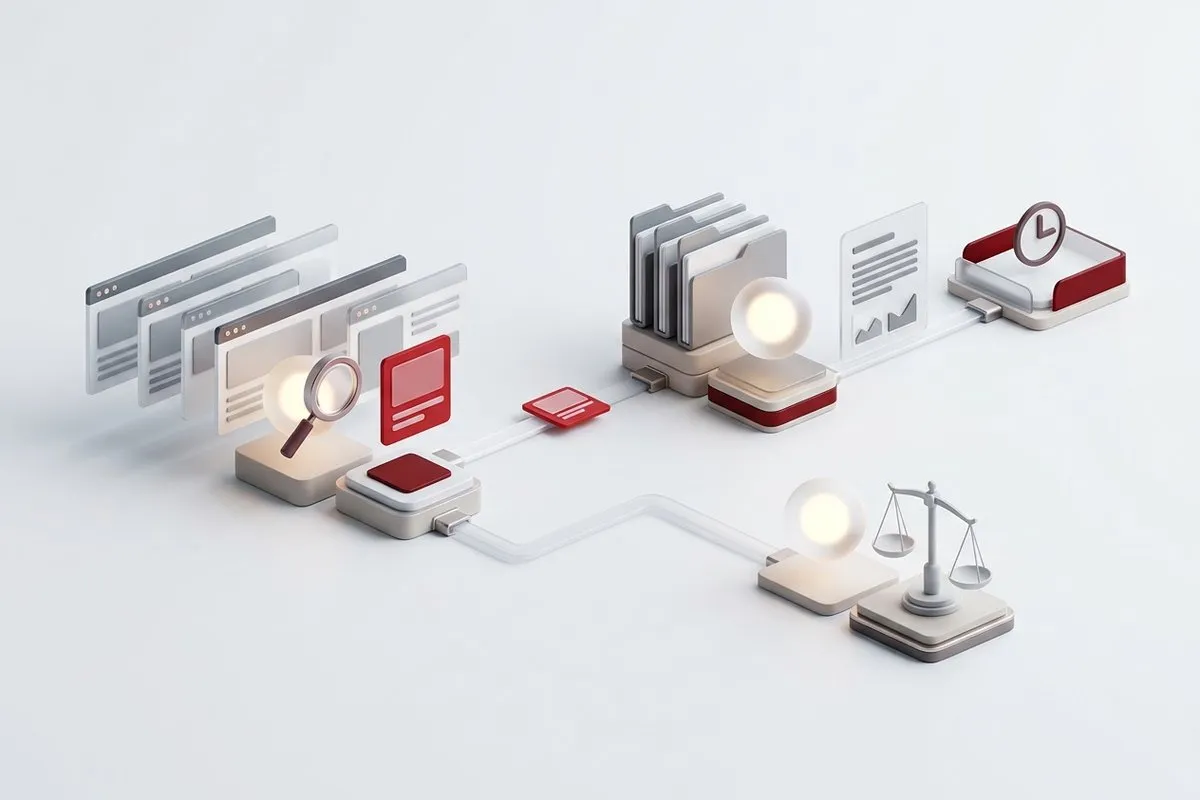
If it followed the same steps every day, it would be an AI automation. It is an agent because it decides on its own what to read, what is relevant, whom to pass each case to, and what to research before writing.
Permissions, security, and privacy of an AI agent
Least privilege
The more actions an agent can take, the more important it is to control its permissions. If it only needs to look up orders, it should not be able to delete them. We define which systems it uses, which operations it performs, under which identity, what requires confirmation, what limits it has, what gets logged, and what happens when there is an error.
What information the model receives
An agent should not receive all the available data when it only needs part of it to do the task. Before developing it, we analyze what information it will work with: customer data, emails, internal documents, financial information, contracts, or personal data.
When data cannot leave the company
In certain projects, a private AI infrastructure is advisable, with the models on servers the company controls, or a hybrid architecture in which certain operations do not leave the company.

Frequently asked questions about AI agents
Do agents work completely autonomously?
Is an AI agent the same as RPA?
How long does it take to build an AI agent?
How much does an AI agent cost?
Which manual process could an agent handle?
Tell us what steps it follows today and with which programs. We will tell you which parts an agent can do and which ones a person should keep doing.