
711 239 085 info@gilsys.com
es ca en
Abstract Background

Fewer manual processes, more efficiency

Process Automation, APIs and System Integration

We automate repetitive tasks, develop APIs, connect a company's programs and migrate data from legacy systems.

What does process automation mean?

Automating a process means programming the tasks that a person repeats today: moving data from one program to another, generating a report or sending an alert. An API is the channel through which two programs exchange that data without anyone having to type it in, and systems integration consists of connecting tools to extend their functionality.

Custom Automations

We program repetitive tasks so they run on their own: commands that run when needed or processes that run continuously, for example every night or every time an order comes in.

Custom API Development

We build APIs that connect applications, databases and external services, so they all work with the same data. We build REST APIs with, for example, Slim Framework.

Multi-State Workflows

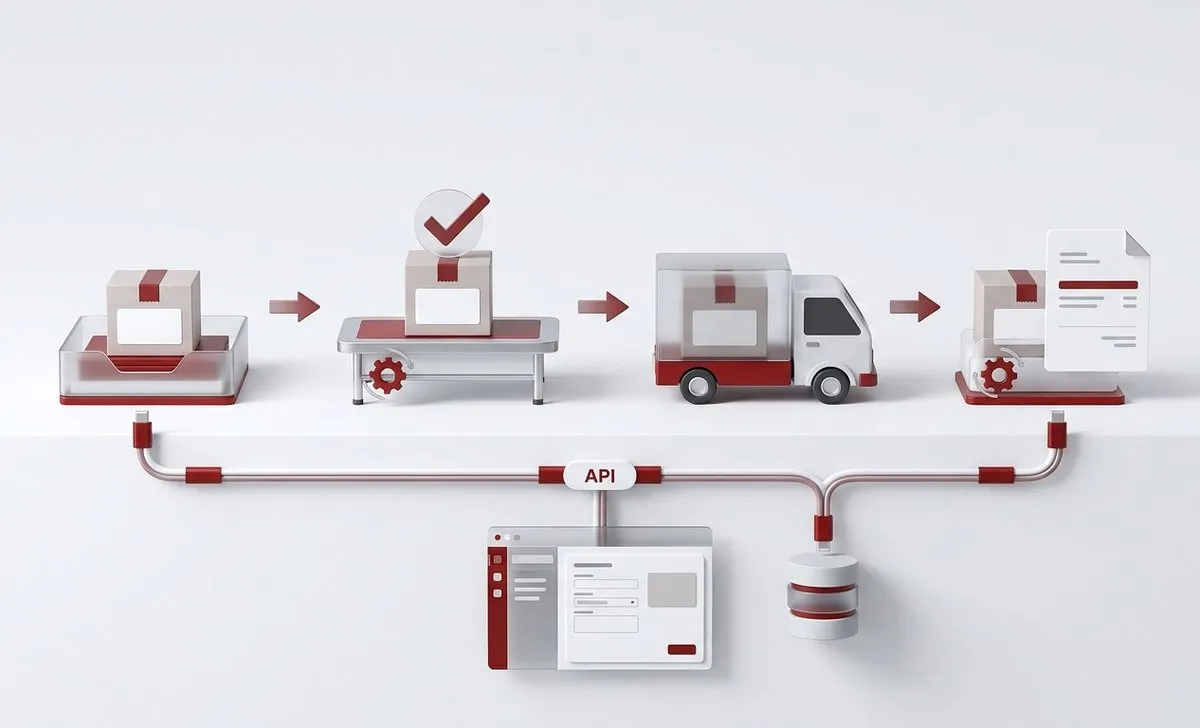
We define and implement systems with multiple states, transitions and business rules. For example, an order that goes from received to prepared, shipped and invoiced, notifying the right person at each step.

Automation with Artificial Intelligence

When a process needs to interpret information, such as classifying documents or answering queries, we add AI. We explain it in AI process automation.

Examples of Business Process Automation

Some of the projects we have developed that include automation, grouped by type of automation.

Integration Between Programs

Each piece of data is entered once and reaches the other programs on its own.

  • E-commerce

    The online store checks stock in the company's ERP, and orders flow into in-house logistics. If the ERP has no API, we develop one, or build an intermediate layer when its code cannot be accessed.

  • Services company

    Factusol has no API: we integrated it with Redmine by accessing its database directly, through an intermediate platform that logs every synchronization and sends an alert if something fails.

  • Invoicing

    An in-house tool custom-built with Node.js was adapted to VERIFACTU: receipts, invoices and corrective invoices are sent to Billin, where they are managed, and are also stored on the client's platform, which queries Billin when needed and displays the invoices and receipts without leaving it.

  • Online marketing

    Leads from Facebook forms reach a campaign tool through an old API, which had to be adapted to the constant changes in Facebook's own API.

Processes That Run Automatically

Rules that are followed without anyone having to remember them.

  • Sports

    When the season changes, coaches find their tool ready for the new one, and when an academy subscription ends, its content moves to a basic account on its own: hundreds of users who do not need to be migrated by hand.

  • Gardening

    When each job is finished, the client signs off on it; at the end of the day they receive the report, and the data is consolidated in a central database to obtain metrics.

Automatic Documents and Reports

From data that already exists, without copying it by hand.

  • Healthcare

    Before each visit, the consent form is generated with the patient's and the practitioner's details and sent to a tablet at the clinic to be signed with Signaturit; once signed, it goes back to the platform.

  • Healthcare

    A system for collecting data and generating complex reports, with charts and dynamic content based on the data gathered in advanced forms, automating both the generation of the documents and their delivery.

  • Multinational

    An automatic system with an intermediate platform that digitally signs email attachments from the SMTP server before they are delivered.

  • Manufacturing

    Automatic generation of the technical data sheet with each product's data from the PIM, in 4 languages. It saves hours of layout and design work.

Other Automations

Notifications and reminders that are sent automatically.

  • Driving school

    A management system in which students sign up for their lessons and automatically receive an SMS reminder before each session.

  • European project

    In Click2Move, from UVic, the platform detects periods of inactivity based on the user's physical activity and sends them notifications with exercise suggestions, without human intervention.

More examples, such as procedures for administrative services firms, in the custom web applications we have developed.

An example of task automation: appointments, reminders and invoices

Many professionals who work with appointments repeat the same tasks every day: booking the visit, reminding the client, copying the data into another program, and issuing the invoice. We built an automation that connects Google Calendar, Holded and our PRM, our own dashboard for managing and tracing processes.

  • 1

    The appointment is created

    It is recorded in Google Calendar, with the client as a participant.

  • 2

    The client gets the reminder

    The day before, automatically, by WhatsApp or SMS.

  • 3

    The PRM syncs the calendar

    It keeps the notes, the tasks, and the documents of each visit.

  • 4

    The invoice is issued on its own

    When the visit ends the amount is entered, and the invoice or receipt is created in Holded.

That way the same data is never typed twice, which is where hours are lost and errors creep in. When a step needs information to be interpreted, AI comes in: we explain it with the SEO and GEO monitoring of a website.

System Integration Through APIs

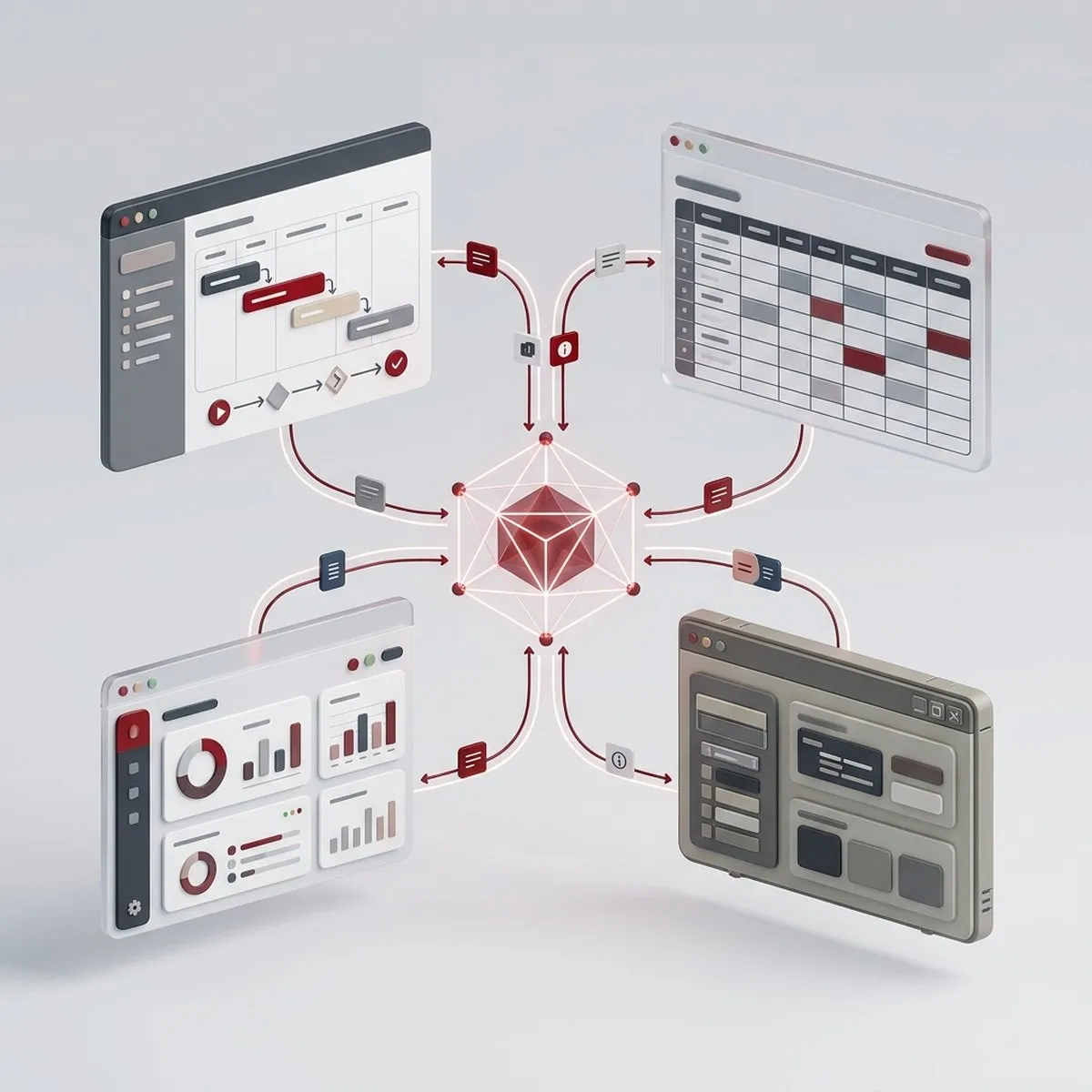
Many companies work with several programs that don't talk to each other: the ERP, the CRM, the online store or the accounting software. Integrating them means each piece of data is entered only once and reaches the others on its own, with no duplicates or copying errors.

Connection Through APIs

We connect the ERP, the CRM, the online store, the document management system or custom applications through their APIs. When a system has no documented API, how it works has to be figured out before it can be integrated.

Data Centralization

We bring data from different sources together in a single database. In manufacturing, for example, we record data from different machines to obtain metrics and automate decisions, as we explain in AI for manufacturing.

Connecting Legacy Systems

Whenever possible, we recommend migrating to more modern tools: in the long run, keeping a legacy system is not cost-effective. When the company decides to keep it, we develop an intermediate layer, usually with Slim Framework (PHP) or Python, that connects to its database and offers a REST API with the functions needed. Depending on the case, the connection uses read-only SQL views or webhooks that report changes. On top of that layer, new functions can be added, and even an MCP server for AI agents to work with it.

AI in the Programs You Already Use

We also integrate AI into a company's applications, as we explain in AI integrated into applications.

We carry out system integration projects ranging from a few days of work to department-by-department integrations across the whole company.

Data Migration and Legacy Software Renewal

Migrating means moving data from an old program to the new one without losing any of it along the way. It usually goes hand in hand with renewing the software: legacy systems are more vulnerable to security attacks and slow down the team's work.

Migration of Obsolete Software

Replacing old programs with more modern applications, custom-built or based on custom software. For example, interfaces built with jQuery or with unmaintained frameworks, which we move to React or Angular.

Database and Legacy System Migration

We move data from legacy systems to current databases and platforms, on your own servers or in the cloud. For example, from a traditional relational database to MongoDB, when the project needs a non-relational structure.

Splitting Monolithic Systems

We split monolithic systems into independent parts that are easier to maintain and grow.

How We Identify Processes to Automate and What It Brings

At Gilsys we offer analysis and advisory services to identify repetitive processes and see how to automate them.

Signs that a process needs automation

Automating means having a computer system do the tasks that a person does today and that take up their time. In the analysis for a digitalization project, we review each department's operation records with them to detect:

  • Tasks that are still done by hand and take up a considerable amount of time.
  • Tasks in which errors are made and the work has to be checked.
  • Sensitive processes that, even if they are not repeated often, are worth automating so they are carried out more rigorously and without surprises.

When Automation Is Not Worth It

We also say so when automating does not pay off:

  • Processes that change every few weeks or have many exceptions.
  • Tasks that are done only a few times a year, unless they are sensitive processes.
  • When the underlying problem is the data: it has to be put in order first.

Data Cleaning

Before automating, we check that the data is complete and free of duplicates: an automation that works with incorrect data repeats those errors every time it runs. We explain it in data governance.

Artificial Intelligence, Only When Needed

In some processes we want programming that always gives the same output for the same input data; in others, we need AI to assess how to proceed. We explain it in AI process automation.

Continuous Automation Plan

Automation should be planned with judgment: tackling everything in a single iteration makes the process too long when there are many points to resolve. That is why we approach it in phases.

Measuring What Has Improved

With an ERP such as Odoo, which we can implement and adapt, the time employees spend on each task is recorded and the improvement brought by each automation is measured, in Odoo itself or with business intelligence tools.

A Phased Case: From Excel Sheets to a CRM with Real-Time Reports

A client wanted to control operations that were not being recorded. We solved it in three phases.

  • 1

    The Starting Point

    The business data was in Excel sheets spread across folders: organized, but with no structure at all. And part of the operations was not recorded anywhere.

  • 2

    Phase One: A CRM

    A CRM for sales management, with the data that was in the Excel files.

  • 3

    Phase Two: Process Management

    Within the CRM, a module to record operations, which imports and exports in Excel, the tool the team was used to, but now with a strict, verifiable structure.

  • 4

    Phase Three: Real-Time Reports

    The data was connected to Metabase to analyze it and get real-time reports.

This case brings together what we do on this page: migrating the data, adapting the tool to the way the team works, automating imports and exports, and integrating the data with business intelligence.

How long does it take for automation to pay for itself?

Our calculator shows how much repetitive tasks cost today and how long it takes for a development project or an automation to pay for itself.

  • Monthly cost and 3-year projection
  • Hours freed up per year
  • Months to recover the investment
Calculate savings

Who Benefits from Automation and APIs?

Integrated, automated systems should be a requirement for any company: each employee's time should be spent on tasks where it is truly essential.

Industrial and Logistics Companies

Need to automate processes such as inventory management, order tracking, and transportation optimization, ensuring greater operational efficiency and real-time control. What AI can bring to the plant floor is explained in industrial process automation with AI.

E-commerce and Online Sales Platforms

Require APIs to connect product catalogs, order managers, invoicing systems, and payment gateways, improving synchronization and customer experience.

Organizations with Multiple Systems

Companies working with various management tools like CRMs, ERPs, or BI systems that require APIs to integrate and synchronize data, avoiding duplication and errors.

Companies with Complex Catalogs

Those that need to manage large volumes of data, such as products or services, for example with a PIM like Pimcore.

Why Choose Gilsys to Automate and Integrate Systems?

More Than 20 Years in Real Projects

We have been developing custom software since 2004 for companies in very diverse sectors: we have integrated independent systems, migrated tools to more modern applications and split platforms to make them more scalable.

Honesty and a Personalized Approach

If there is no need to change everything, or it does not make financial sense to do so, we say so openly. We recommend what best fits each project, weighing cost-benefit and long-term impact.

Workflows You Can See and Change

When it fits, we integrate workflow tools such as n8n, which let you see each automation, change it and know where each run stands. Whatever they cannot handle, we build custom.

No Disruption to Daily Work

We plan every deployment, migration or integration to have minimal impact on daily operations, and we release each version with continuous integration and automated tests.

Abstract Background

Automating Processes and Integrating Business Systems

Reducing errors and increasing productivity is an investment in the future. We also explain what the price of a project like this depends on.